

.jpg)
.jpg)

.png)
.jpg)
.jpg)
Description
Download Facemoji Keyboard GIFs APK – keyboard, emoji, GIFs, stickers, custom keyboard, Android, personalization, text styles, multilingual support, messaging, social media, avatar sticker, game mode, auto paste, clipboard, fonts, themes, DIY, typing efficiency, digital communication, expressive typing, WhatsApp, Facebook, TikTok, Naver SmartBoard, Gboard
Overview
Facemoji Keyboard + GIFs is a customizable keyboard application designed to enhance digital communication across popular social media platforms. The software aims to transform standard typing into a more expressive and engaging experience by integrating a wide range of visual elements such as emojis, stickers, kaomojis, GIFs, and unique text styles. Targeted at casual users, social media enthusiasts, and gamers, the app supports over 100 languages and includes built-in translation tools, making it suitable for multilingual users. It is specifically developed for Android devices, offering a desktop-like experience on mobile platforms. The app enables users to personalize their messaging with custom themes, fonts, and interactive features, allowing for greater self-expression in conversations. Real-world usage includes enhancing messages on WhatsApp, Facebook, and TikTok with animated stickers and unique text effects. It also includes a game mode with quick message options, catering to users who want to communicate efficiently during gameplay. The developer's name was not provided in the available information. The app is free to download and use, with optional in-app purchases for premium features. The release date and version details were not specified.Key Features & Capabilities
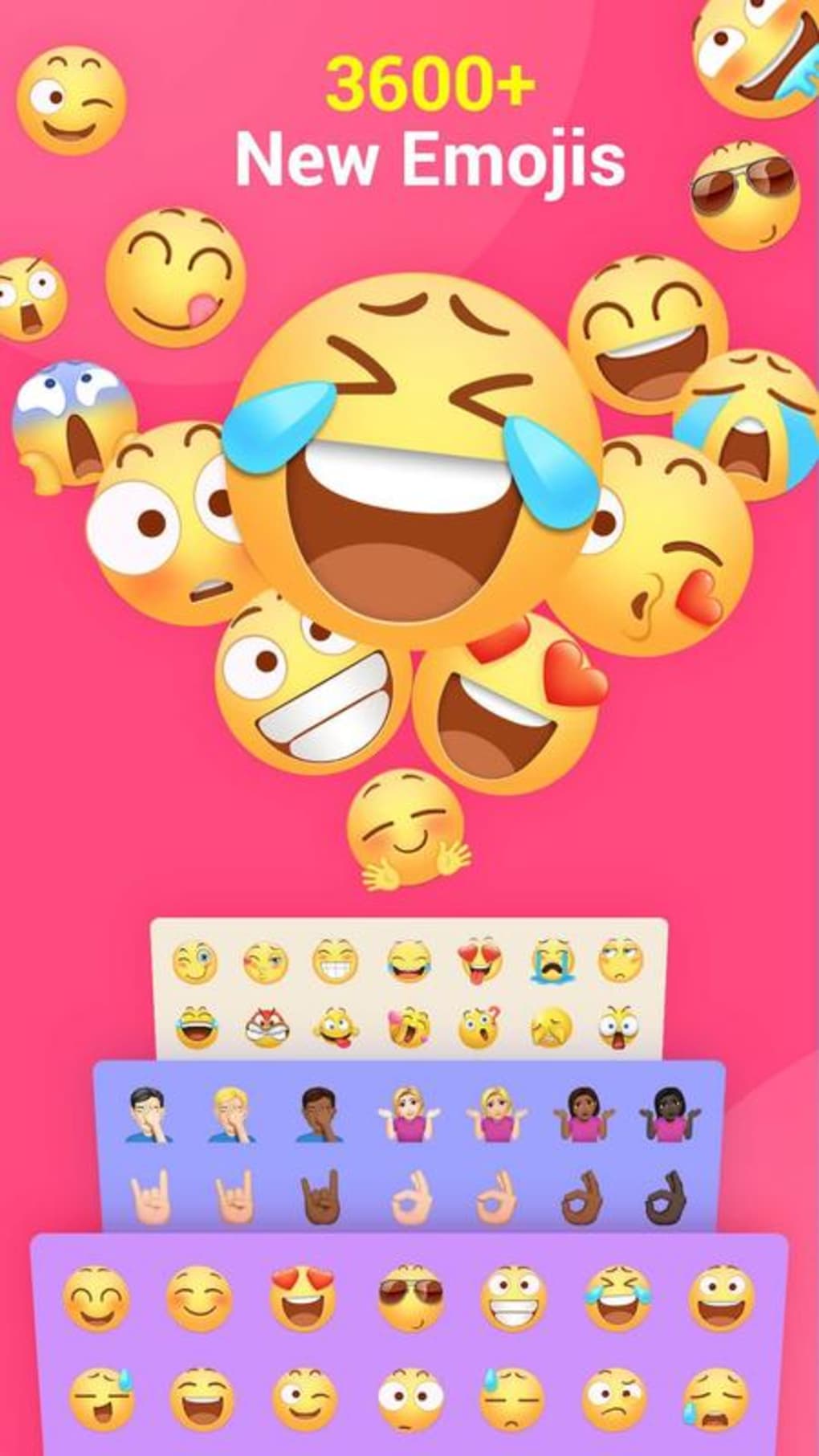
- Extensive Emoji and GIF Library: Access to over 5,000 emojis, stickers, kaomojis, and GIFs to enrich conversations and make messages visually dynamic.
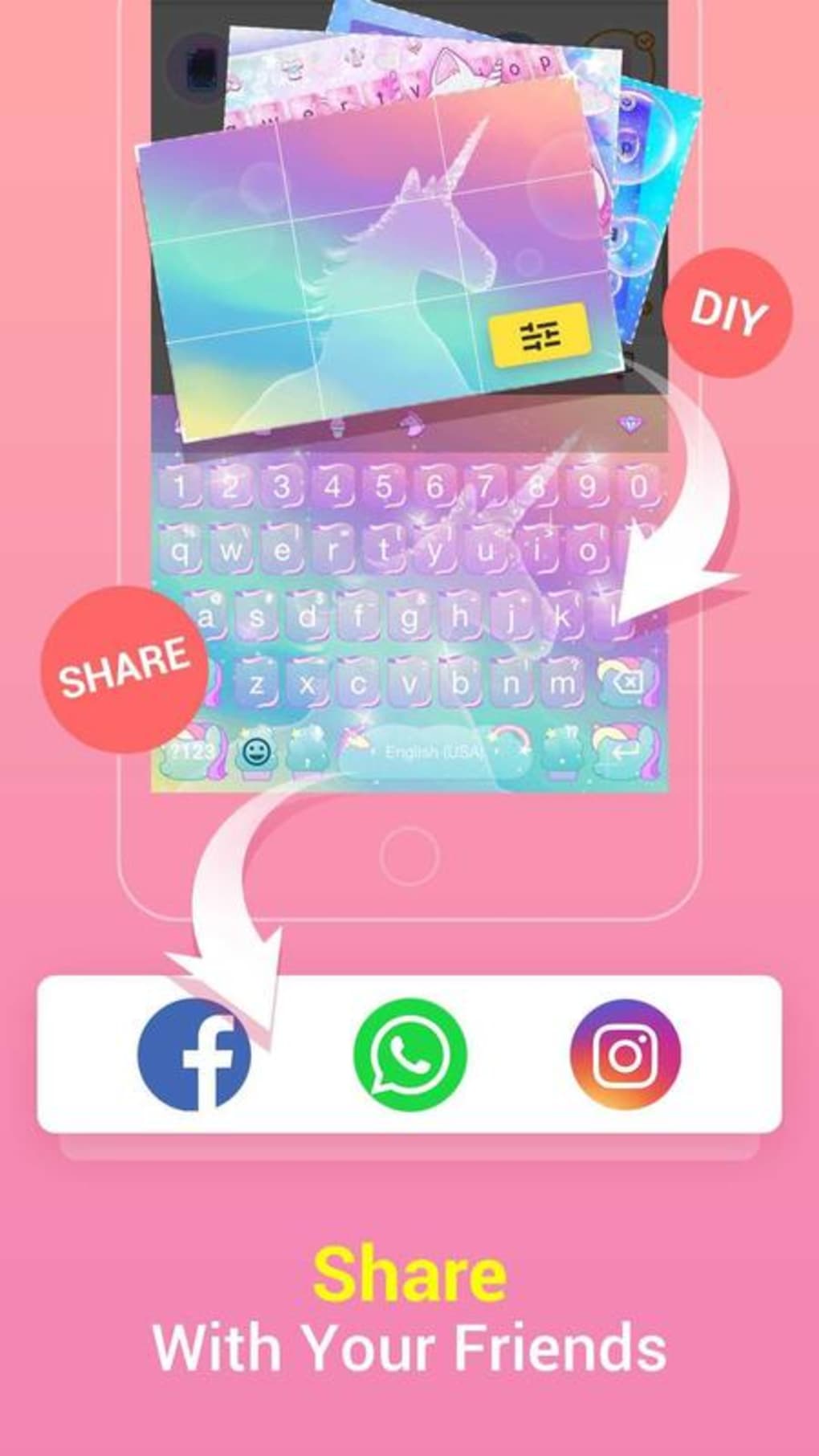
- DIY Avatar Sticker Creation: Users can generate personalized avatar stickers based on their input, which can be shared across WhatsApp, Facebook, and TikTok.
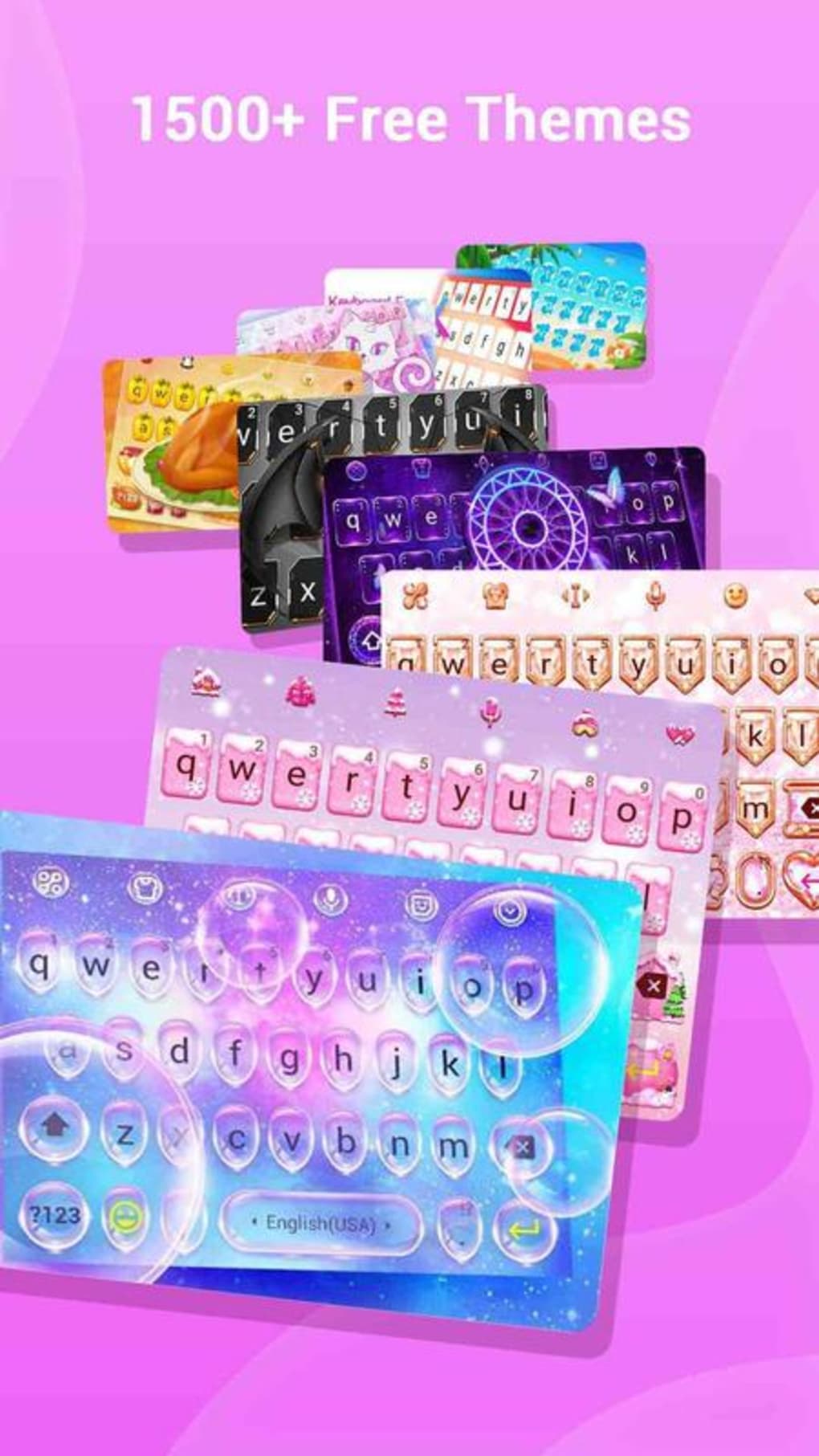
- Customizable Keyboard Themes: Over 1,500 stylish themes available, including Japanese anime, neon, LED, and K-pop idol designs, allowing users to match their personality or mood.
- Personalized Text Styling: A wide selection of trendy fonts and text styles enables users to make messages stand out with unique visual flair.
- Custom Keyboard Wallpaper: Users can set their favorite photos as keyboard backgrounds and personalize button colors, tapping effects, and sound feedback.
- Efficiency Tools: Features like Auto Paste, Clipboard management, swipe typing, and smart autocorrect improve typing speed and workflow efficiency.
- Game Mode: A dedicated mode with quick message options designed to support fast communication during gaming sessions.
- Multilingual Support: Built-in translation and support for over 100 languages ensure accessibility across diverse user bases.
User Interface, Workflow & Performance
The keyboard features a clean and intuitive interface, designed for ease of navigation and quick access to core functions. Users can switch between themes, access the GIF and sticker library, and manage custom settings with minimal effort. Navigation is streamlined through a tab-based layout, allowing seamless transitions between emoji, GIFs, text styles, and settings. The workflow is optimized for fast typing, with swipe gestures, smart suggestions, and predictive text enhancing input speed. The Auto Paste and Clipboard features allow users to save and reuse frequently used text snippets, reducing repetitive typing. Performance observations are based on general software behavior patterns, as exact performance data was not provided. The developer did not specify resource usage details, including CPU or RAM consumption. Stability may vary depending on device specifications and background processes. There have been reports of occasional glitches, such as unintended button presses during typing, which may affect user experience. The app is designed to run smoothly on Android devices, but specific performance benchmarks were not available.Compatibility & System Requirements
Facemoji Keyboard + GIFs is designed for Android operating systems. The supported OS version was not specified. The installation size and hardware requirements were not provided. The developer did not list exact system requirements. Compatibility information was partially provided, with the app confirmed to run on Android devices. The file size was not disclosed. Users should ensure their device meets standard Android requirements for keyboard applications. The developer did not specify whether the app supports tablets or other form factors. No information was given about cloud sync, backup, or cross-device functionality.Pros and Cons
Pros
- Extensive library of emojis, GIFs, stickers, and kaomojis
- Highly customizable themes and keyboard appearance
- DIY Avatar Sticker feature for personalized content creation
- Support for over 100 languages and built-in translation
- Efficient typing tools including swipe typing, autocorrect, and clipboard
- Game mode for quick messaging during gameplay
- Free to download and use with optional in-app purchases
Cons
- Occasional glitches reported, such as unintended button presses
- Limited system requirement details provided
- Exact performance metrics and resource usage not disclosed
- Version and release date information unavailable
- Developer name not specified
FAQ Section
Is Facemoji Keyboard + GIFs compatible with my Android device?
The app is designed for Android devices. Specific compatibility details were not provided. Users should ensure their device runs a supported Android version.
Is the keyboard safe to use?
The app is free to download and use. No specific security or privacy details were disclosed. Users should review permissions requested during installation.
Does the app require an internet connection?
Basic typing functions can be used offline. Features like GIF browsing, translation, and cloud-based themes may require an internet connection.
Can I use this keyboard on multiple devices?
Information about multi-device sync or backup was not provided. The app may not support cross-device functionality.
Are there any in-app purchases?
Yes, the app is free to download but includes optional in-app purchases for additional features and content.
Final Thoughts
Facemoji Keyboard + GIFs stands out as a feature-rich, customizable tool for users seeking to elevate their messaging experience on Android. With its vast collection of visual elements, extensive personalization options, and efficiency-focused tools, it offers a compelling alternative to standard keyboard apps. The inclusion of a DIY Avatar Sticker feature, game mode, and multilingual support enhances its appeal across diverse user groups. While occasional glitches may affect usability, the overall functionality and creative freedom provided make it a valuable asset for expressive digital communication. The app is particularly well-suited for social media users, gamers, and those who value unique self-expression in their messages. Download Facemoji Keyboard GIFs now.Guides & Tutorials for Facemoji Keyboard GIFs APK
How to install Facemoji Keyboard GIFs APK
- Click the Preview / Download button above.
- Once redirected, accept the terms and click Install.
- Wait for the Facemoji Keyboard GIFs APK download to finish on your device.
How to use Facemoji Keyboard GIFs APK
This software is primarily used for its core features described above. Open the app after installation to explore its capabilities.
User Reviews for Facemoji Keyboard GIFs APK 0
No reviews found





